Submission-ready metadata, written by AI that actually watches your footage.
Drop in your video clips or photos. Get back titles, descriptions, and keywords — with shot framing detected straight from the frame — exported as a CSV for your stock agency.
- 25 free credits, no card
- No subscription, packs from $5
- Files stay in your browser
You own everything it generates — neither Metadata Sherpa nor the AI provider claims any rights to your media or metadata.
You choose the poster frame
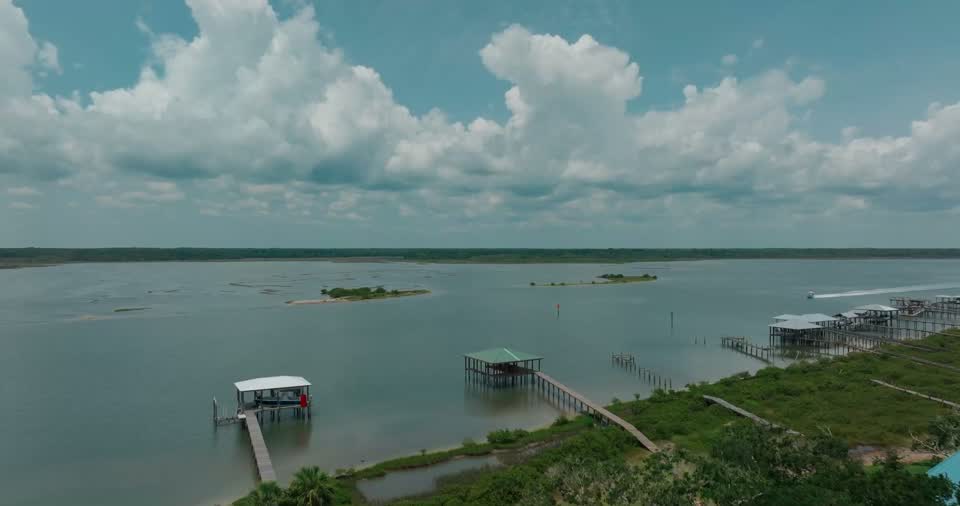
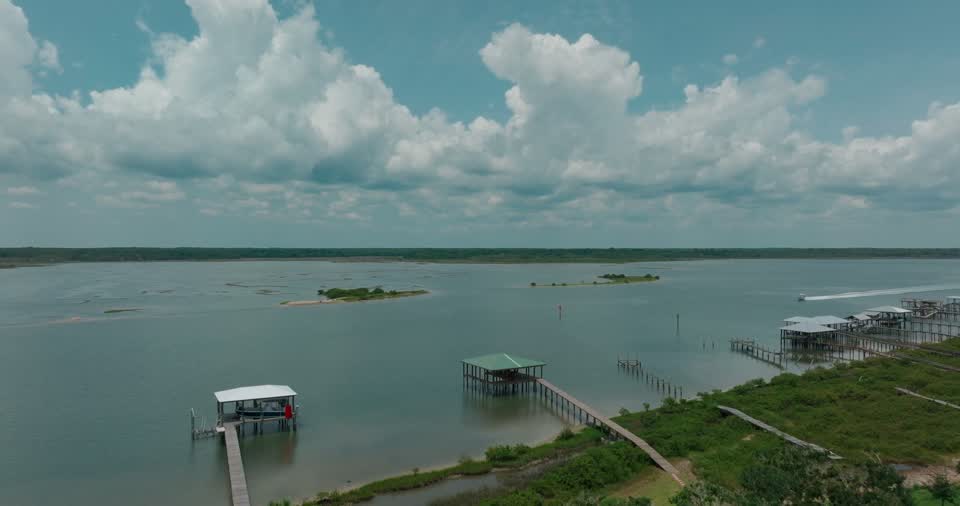
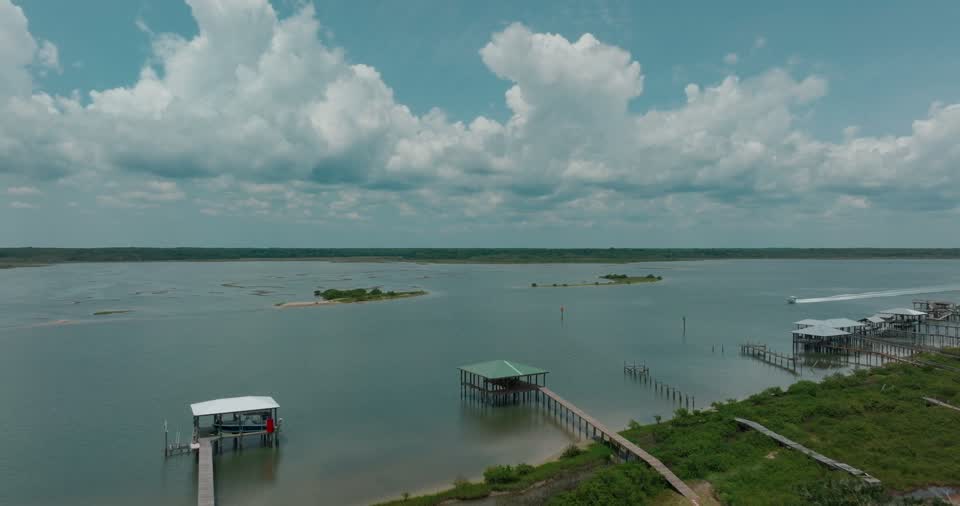
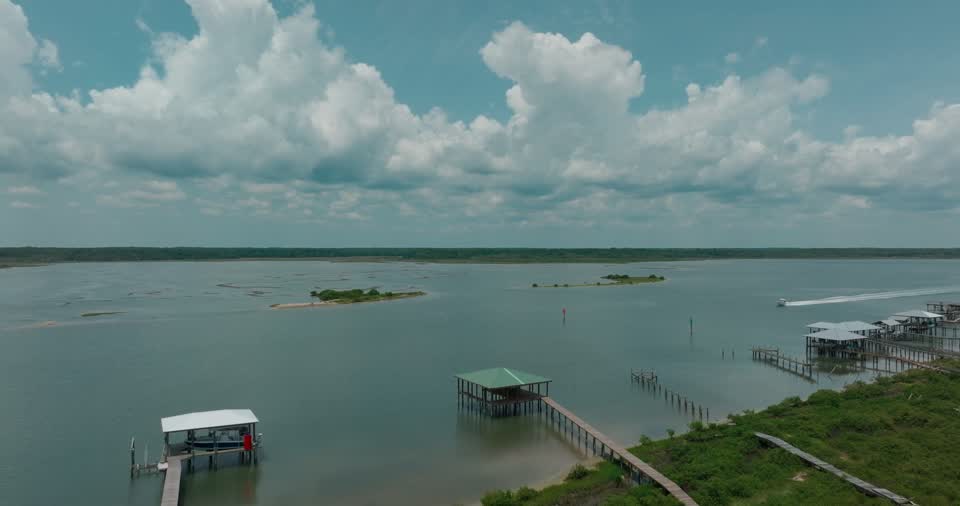
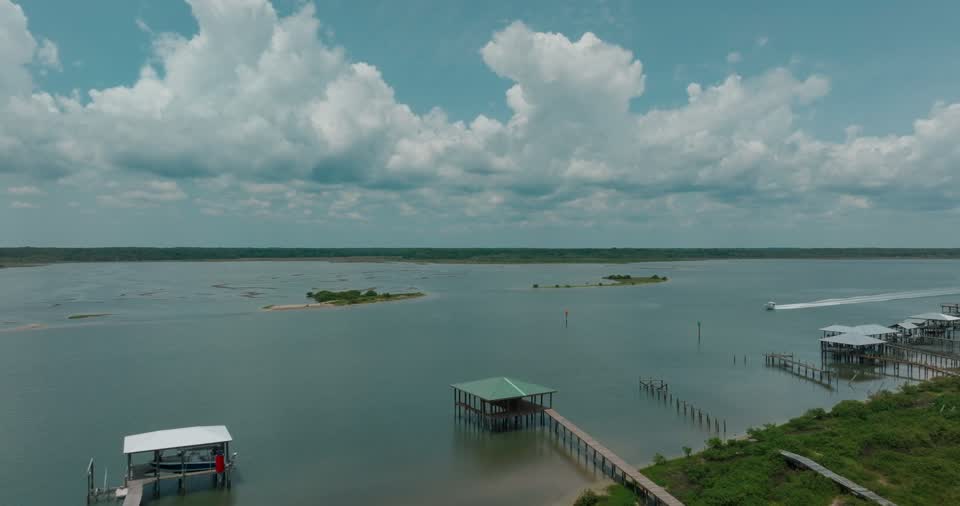
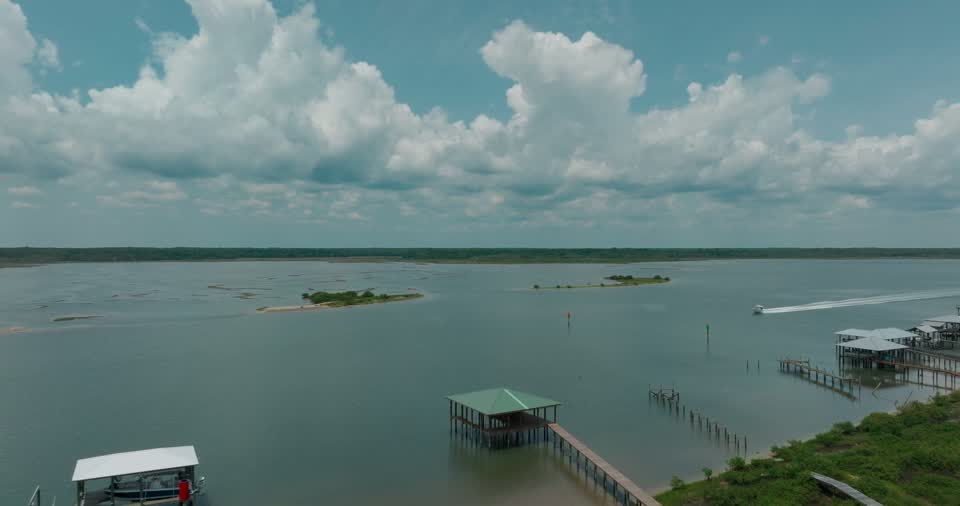
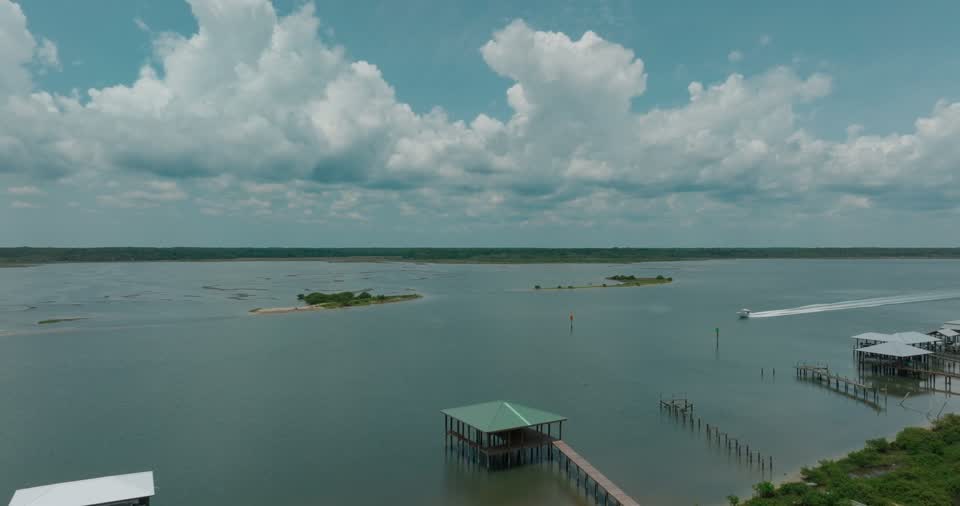
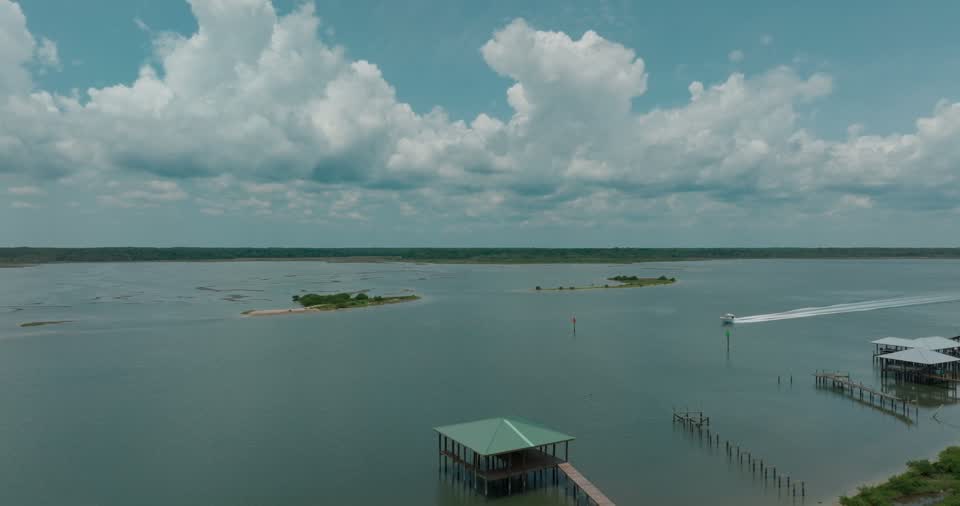
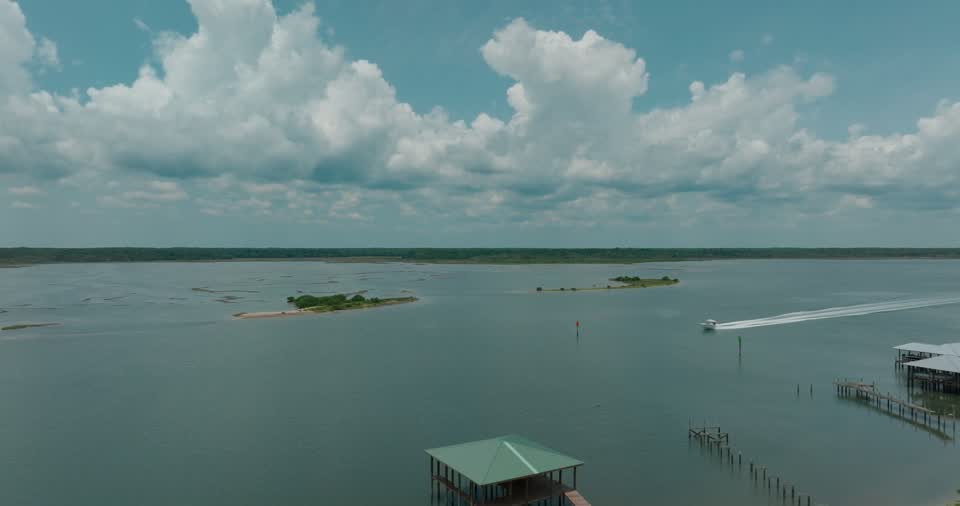
Every clip gets a filmstrip of candidate frames. Click one, or nudge a second either way, and the exact timecode goes into your Getty Images CSV. Try it on this clip.
 POSTER FRAME
Three steps to an export-ready CSV
No editing, no plugins to configure — just drop files and go.
Simple, credit-based pricing
2 credits per photo, 4 per video. No subscription — credits last 12 months.
Frequently asked questions
How can I write stock photo and video metadata faster?
+
Drop a whole batch of clips or photos into Metadata Sherpa and generate titles, descriptions, and keywords for all of them at once. Review and edit anything you like, then export one CSV and apply it to your batch instead of typing metadata clip by clip.
Which stock agencies does Metadata Sherpa work with?
+
Getty Images and iStock, with CSV export in Getty Images ESP's own templates for video and photos, Adobe Stock, with a CSV for its Contributor Portal (title, up to 49 keywords and category), and Shutterstock, with CSVs for its contributor portal (description, keywords and category, one file for photos and one for video). Metadata Sherpa is an independent tool and isn't affiliated with, reviewed, or endorsed by Getty Images, iStock, Adobe Stock or Shutterstock.
Are the keywords written in Getty Images' controlled vocabulary?
+
They're written to match it: Getty Images' own term forms ("Smart Phone", "Casual Clothing", "One Person"), no made-up descriptive phrases, and no padding to hit a round number. Age, gender, and ethnicity keywords are left out, because those come from your model release. Keywords aren't checked live against Getty Images' systems, so ESP may show a few in red after import — remove them, or leave them in, since Getty Images keeps unrecognized keywords as candidate terms. Adobe Stock and Shutterstock don't have a controlled vocabulary, so for them keywords are written as plain, specific search terms.
Can I export a CSV to apply in Getty Images ESP?
+
Yes. Video and photos each export in Getty Images' own ESP template for that batch type — video includes the poster frame timecode — so you apply the CSV to your batch the normal way. Adobe Stock and Shutterstock each get their own CSV format, so pick the agency before you generate.
Can I choose the poster frame for my video clips?
+
Yes, for Getty Images. Every clip gets a filmstrip of six candidate frames pulled from the footage, and you can nudge one second either way to land on the exact frame you want. The chosen timecode goes into your CSV. Tip: wait until Getty Images has finished processing each clip's thumbnail in ESP before applying the CSV, or Getty Images' auto-picked thumbnail can overwrite yours. Adobe Stock and Shutterstock create their own video previews, so there's no poster frame to choose for them.
Does it detect shot framing like wide shot, medium shot, or close-up?
+
Yes. It identifies the shot framing directly from the frame using Getty Images' own framing terms — Establishing Shot, Wide Shot, Medium Shot, Close-Up, Over-The-Shoulder Shot, and more — and for Getty Images leads the title with it (for example "Medium Shot Of...") and adds it as a keyword. For Adobe Stock and Shutterstock video it's added as a keyword only, and photos don't get one.
Does it work for photos as well as video?
+
Yes. Video clips and still photos each get their own purpose-built prompt, and you can mix both in one batch.
How much does Metadata Sherpa cost? Is there a subscription?
+
No subscription. Buy a credit pack once and use it within 12 months of purchase: $5 for 250 credits, $20 for 1,200, or $50 for 3,500. Each photo uses 2 credits and each video clip uses 4, however long the clip is. New accounts start with 25 free credits to try it, valid for 90 days.
Can I describe my shoot in a language other than English?
+
Yes. Write your shoot theme in any language. Metadata Sherpa interprets the concept rather than translating word for word, and always writes the titles, descriptions, and keywords in English — the terms buyers actually search for.
Are my video files uploaded anywhere?
+
No. Your files are processed in your own browser, and only a few extracted still frames are sent for analysis. The original video or photo file never leaves your computer, and your media isn't used to train AI models.
Who owns the metadata Metadata Sherpa generates? Does the AI company have any rights to it?
+
You own it. Your media and the titles, descriptions, and keywords generated for it belong to you, and Metadata Sherpa claims no rights to them. The AI is Anthropic's Claude, used through Anthropic's commercial API: under Anthropic's Commercial Terms of Service, the customer owns the outputs, Anthropic assigns any rights it has in them to the customer, and Anthropic may not train its models on this content. Metadata Sherpa passes any rights it holds in your generated metadata on to you.